You would like to try the VR-Glaciers but you have no glue what to do? Here is a tutorial and we will guide you step by step to our virtual glacier.
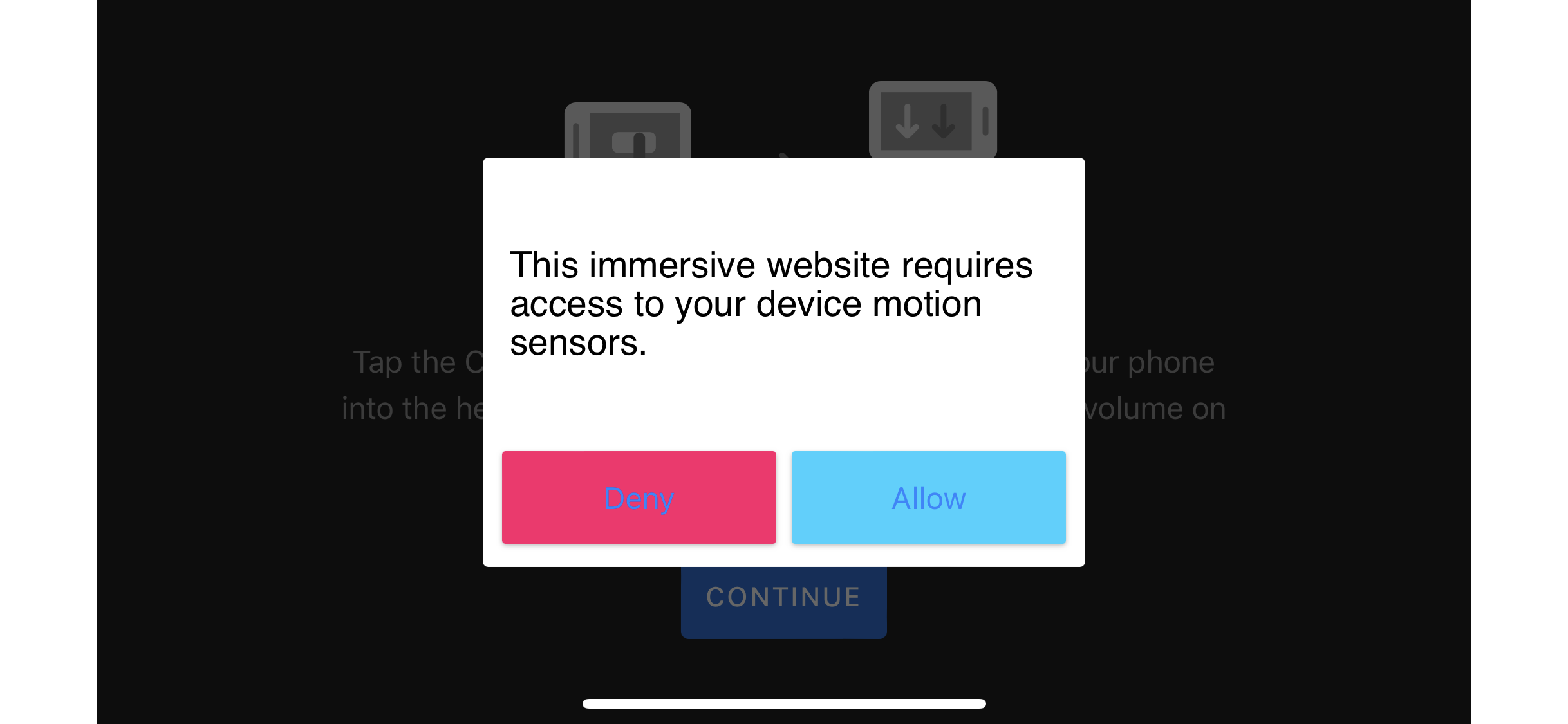
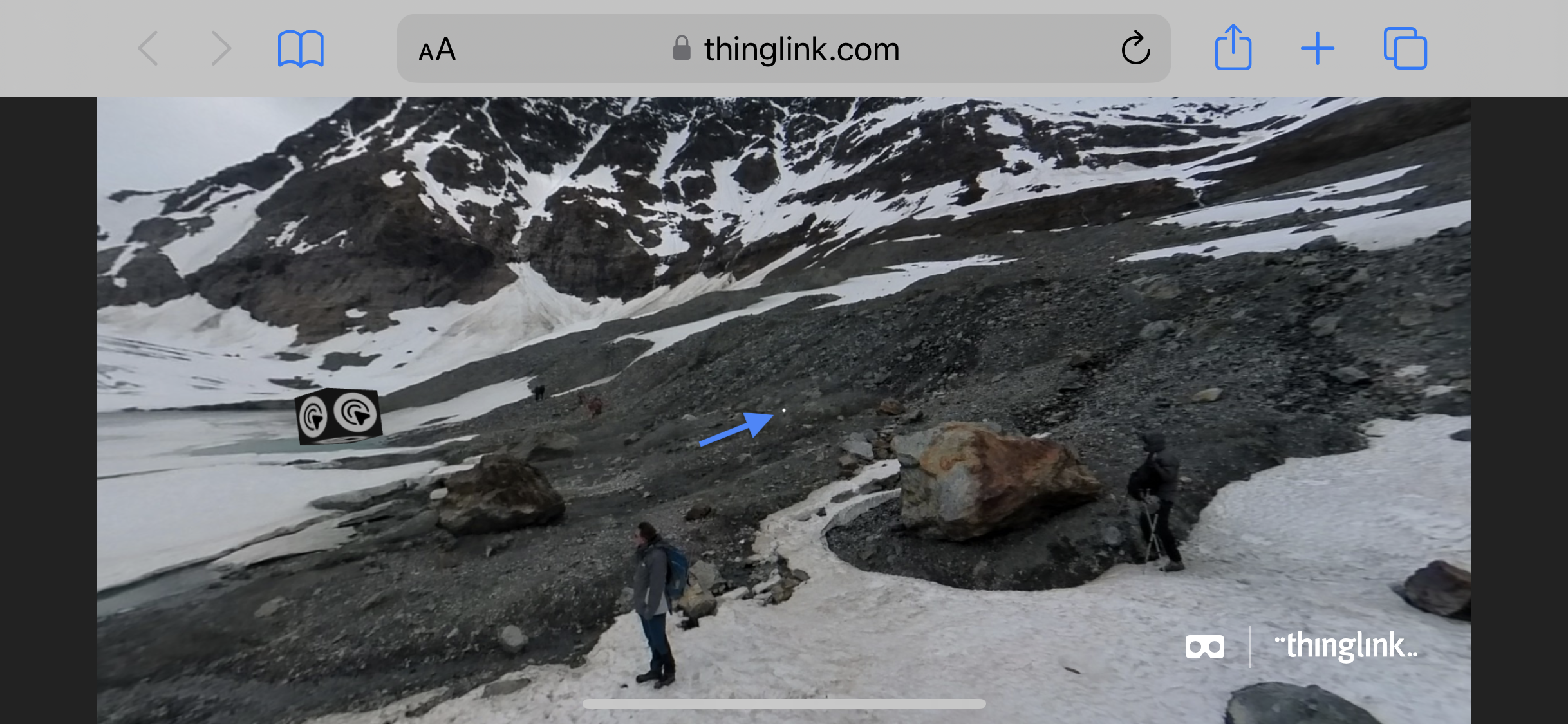
Klick on the goggle-symbol down right.
Turn the screen and then click “Allow”
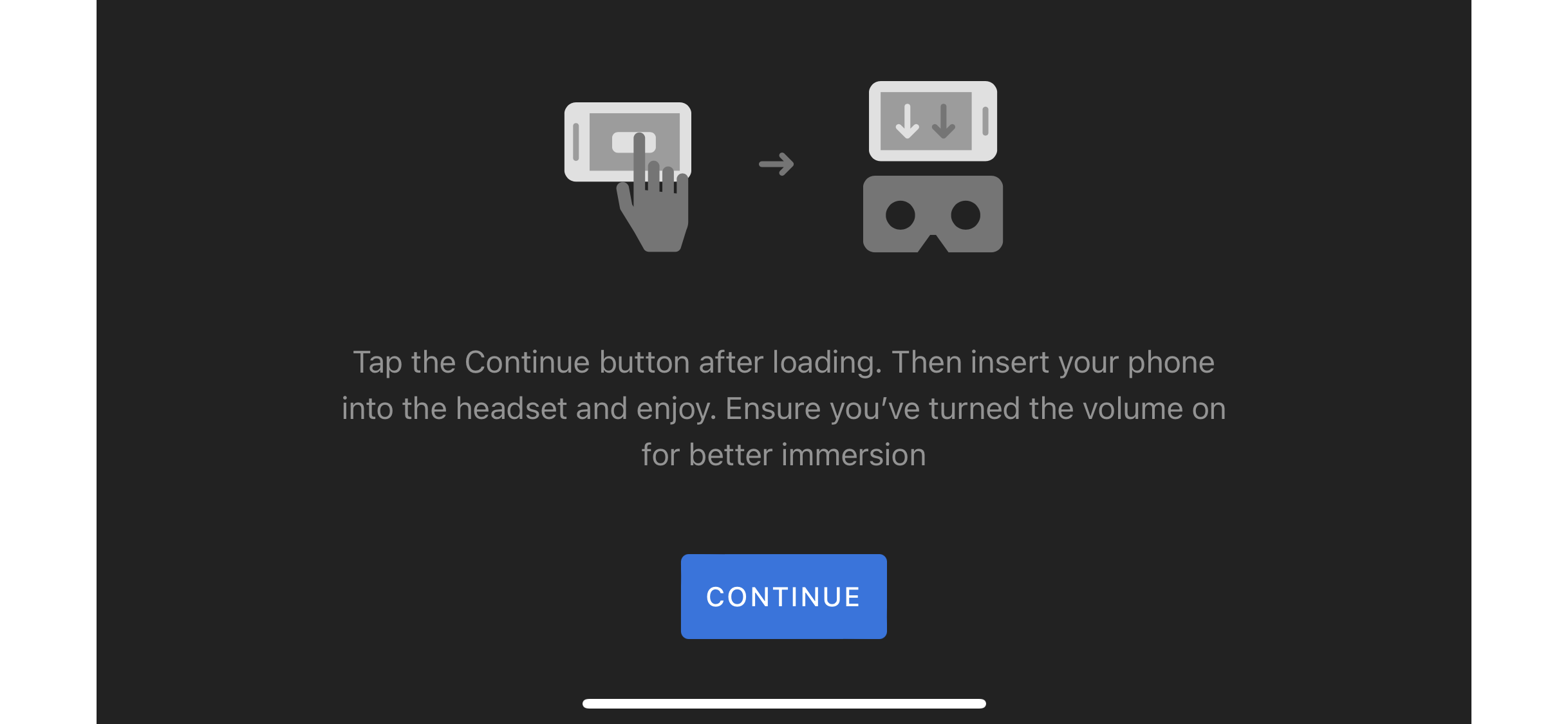
Click “continue”
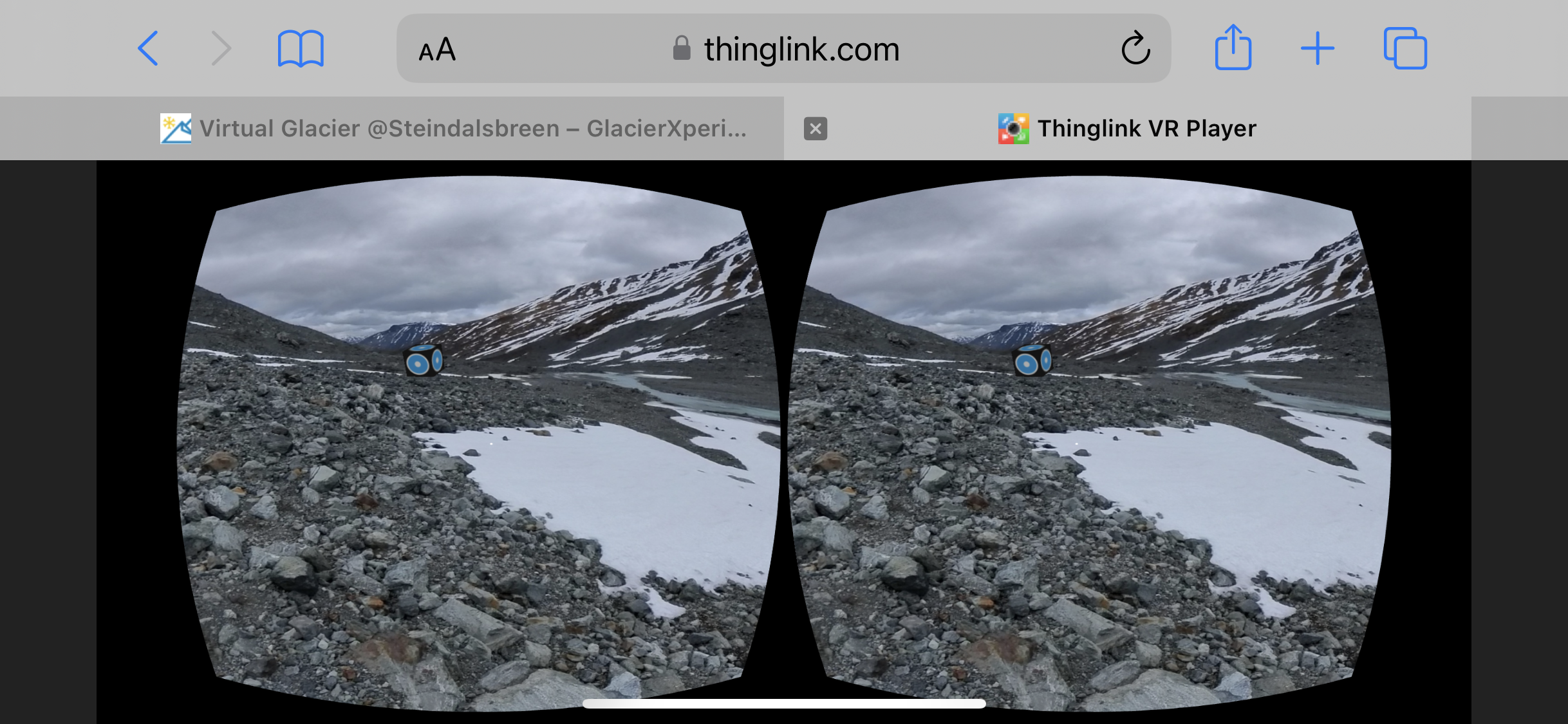
Now your screen should look like this.
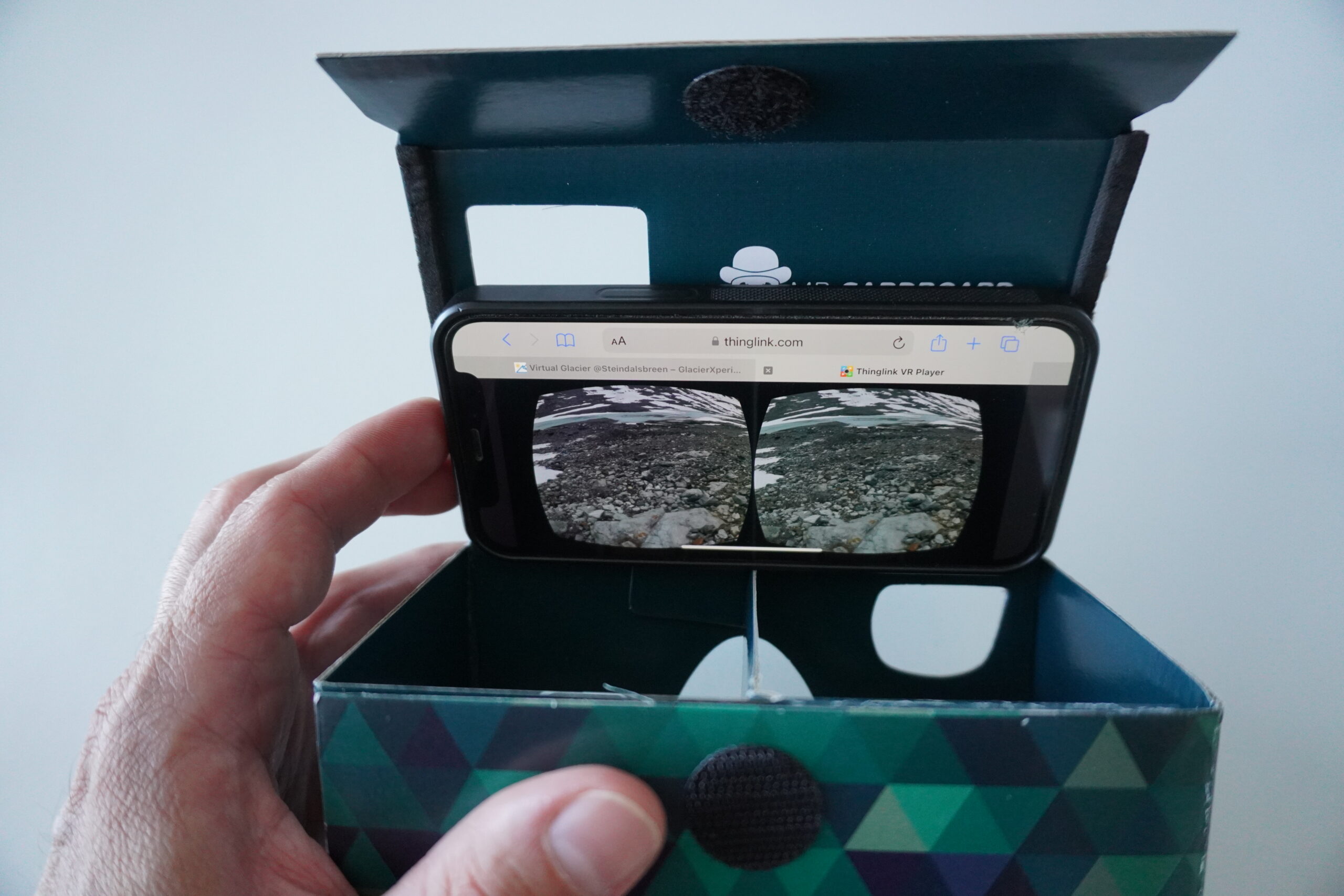
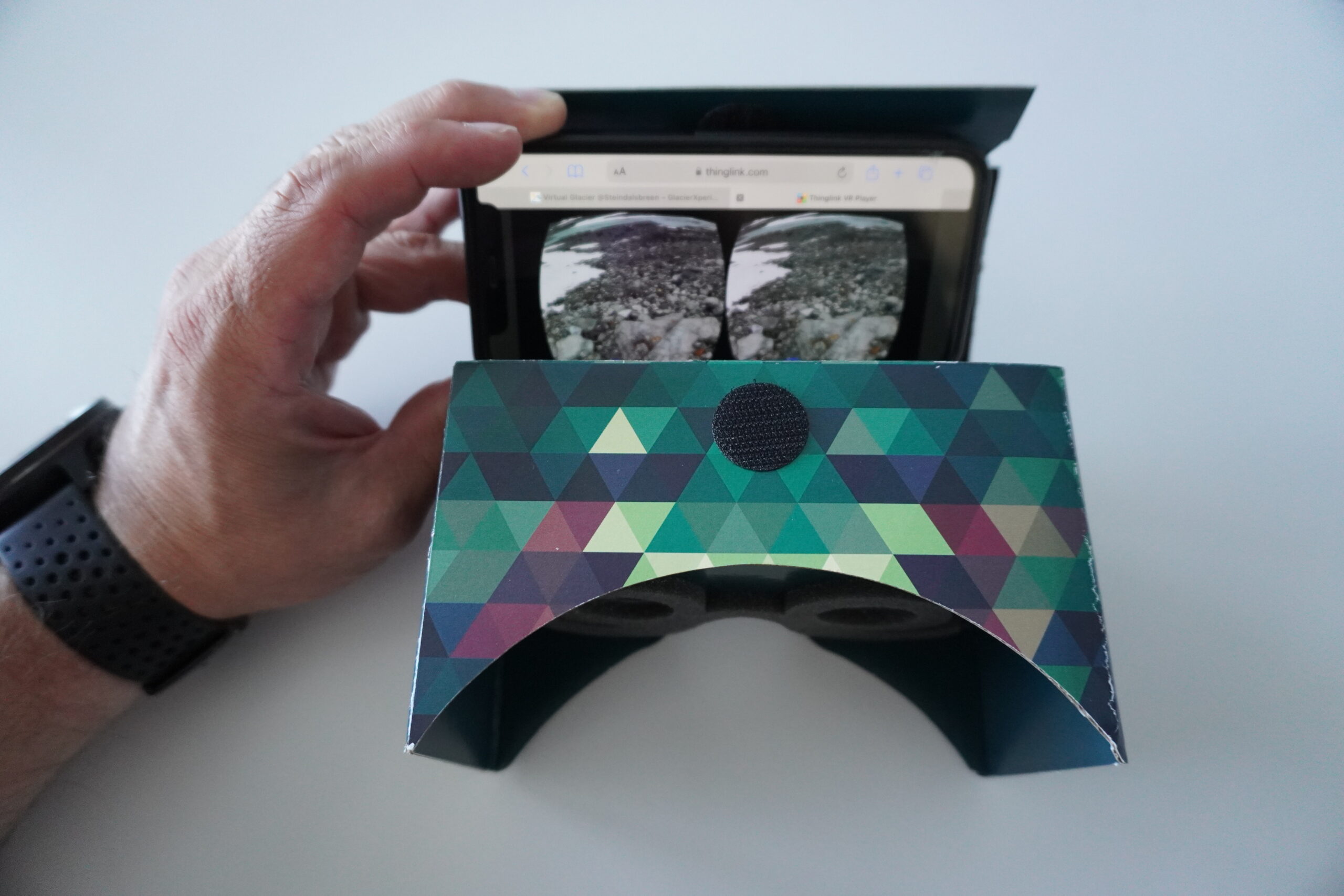
Put your phone into the VR-Goggles.
Make sure that the bridge is in the middle of the VR glasses.
You can adjust your phone on the sides if the picture feels uncomfortable.
In the middle of the screen you can see a white dot (blue arrow). To navigate move your head and bring the dot to the boxes. To select a box place the dot on the box and white e few seconds.